
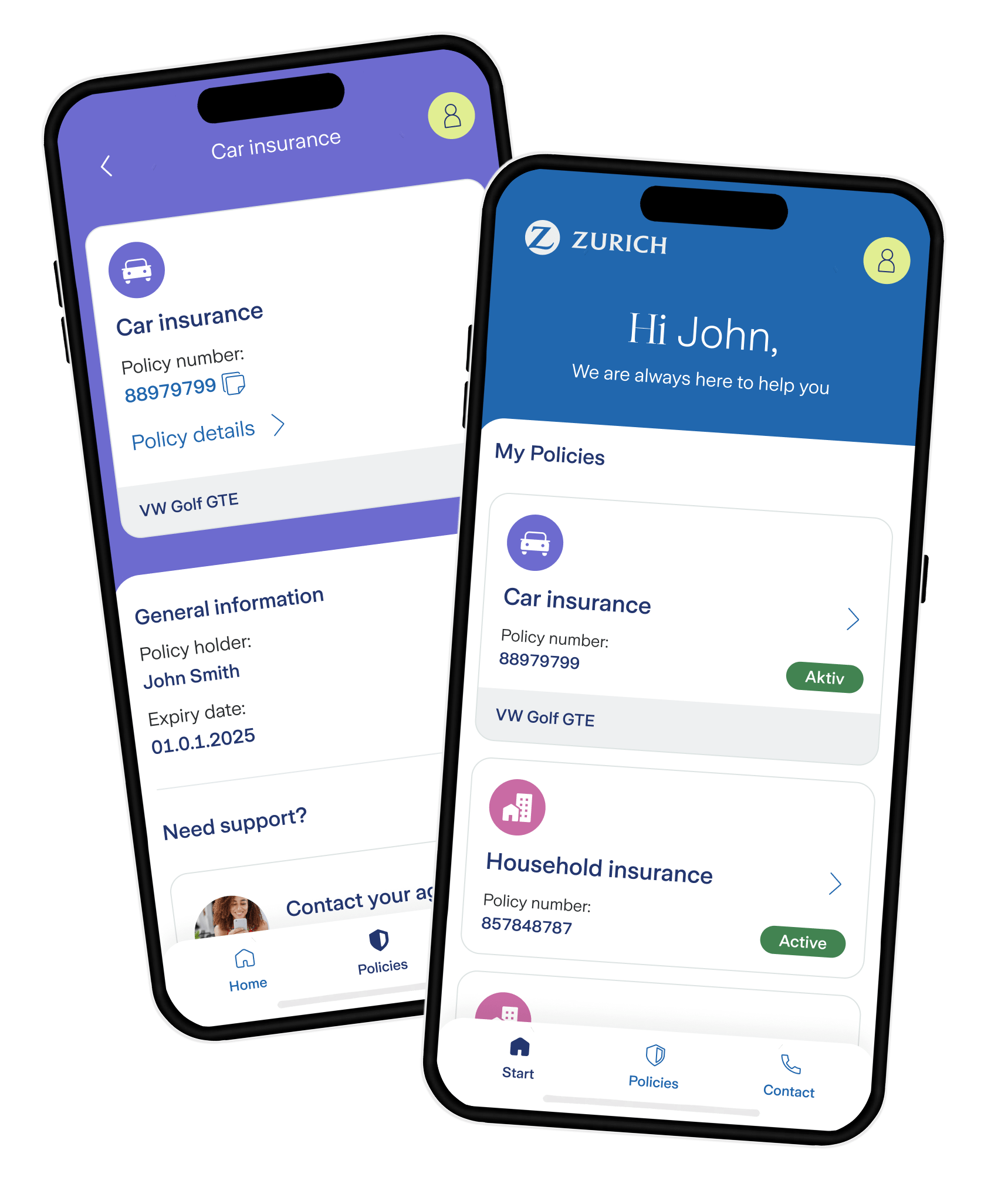


I would like to register for the Zurich One customer portal. How can I do that?
You can start the self-registration for the Zurich One customer portal using this link.
With Zurich One, you can contact us flexibly at any time for all your concerns.
Report a claim quickly and easily online.
Create your personal quote at any time without obligation.
Update your address and email address directly in the customer portal.
Access your policies online at any time – even on the go.
Check your invoice status in the app.
You can start the self-registration for the Zurich One customer portal using this link.
You will need the following contact details for self-registration:
To successfully identify you, we need the following additional information from you:
Please contact our customer service by phone at +41 41 528 32 50.
Yes, you can download your insurance policy documents by following the process below:
Please contact us by telephone on +41 41 528 32 50. A customer advisor will help you by connecting your accounts in the Zurich customer portal. This ensures that all your policies are assigned correctly. After this process, you should be able to see all your policies in the customer portal within 24 hours.
Yes, you can report claims in the customer portal by following the process below:
With this service, instead of physical mail, you’ll receive your insurance documents digitally whenever possible. You can access your documents quickly and securely at any time – even when you’re on the go. Your documents are available in your customer portal account.
As soon as new documents are available, you’ll receive an email from zurichone@zurich.ch. Once you login to the customer portal, you’ll reach an overview page with all your documents, ready to download.
We’re starting with invoice documents. In the future, we plan to offer contract-related documents digitally as well. Since we’re gradually adjusting the service, you may still receive some documents by physical mail.
No. Digital document delivery is free of charge.
Simply log in at zurichone.zurich.ch or open the mobile app for Apple iOS or Android and go to “Personal Information.”
You can unsubscribe from digital document delivery at any time via the link at the bottom of the email.
Tip: If you’d like to receive your documents digitally again later, you can change your delivery preferences in our customer portal under “My Preferences.” Simply log in at zurichone.zurich.ch or open the mobile app for Apple iOS or Android.
Depending on your device and browser settings, your documents may be saved in different locations after download. Please check your files or download folder. If you’re using an Apple iPhone or iPad with the Safari browser, this guide can help: https://support.apple.com/en-ch/102440.
If you still can’t find your document, there may be a technical issue. Our team is happy to help: zurichone@zurich.ch.
If you see error messages or can’t download your document, please email us at zurichone@zurich.ch.
Yes, you have the option of raising any concerns with Zurich Insurance in the customer portal. You can use the "Contact" section to fill out the contact form or call the customer service telephone numbers displayed. We will be happy to answer any questions you may have.
Can I also contact Zurich Switzerland by e-mail?
Please use our online forms. This allows you to submit all your general or specific inquiries (e.g. claims notifications or address changes). The advantage of our contact forms is that your request gets to the right place faster and can therefore be processed more efficiently.
Would you prefer to call us? We are also happy to help you by phone:
Call from Switzerland: 0800 80 80 80
Call from abroad: +41 44 628 98 98

